
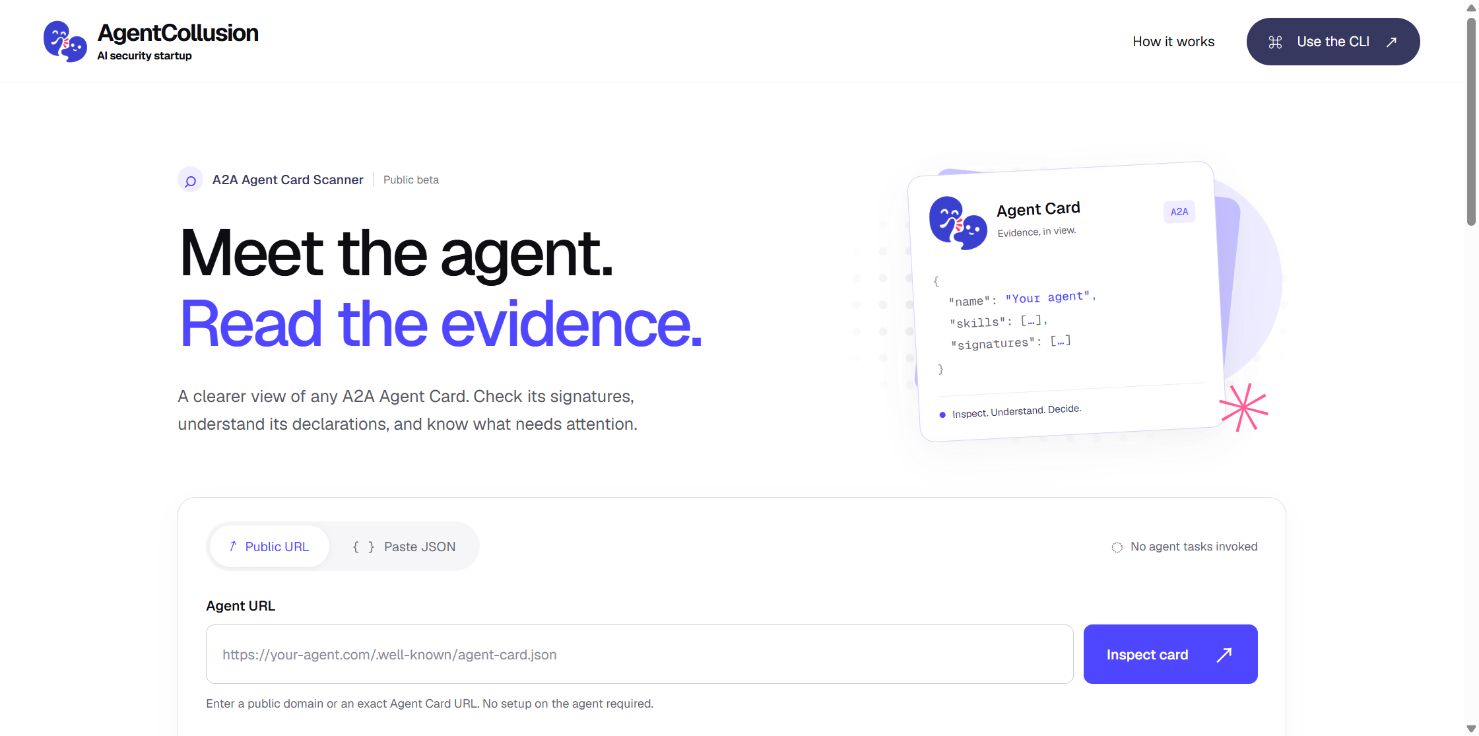
Agent Card Scanner is now available in public beta. Our first service gives developers, integrators, and researchers a practical way to inspect an A2A Agent Card and understand the evidence it contains. You can use it in your browser or your terminal. It is free to try, with no account required.
A clearer first check before you connect
An Agent Card describes an agent: its advertised skills, interfaces, authentication requirements, and sometimes a digital signature. Reading that JSON is a starting point. Checking its declarations, finding the right public key, and recording what verified can take several separate steps.
The scanner brings those checks into one repeatable report. A developer can find a publication issue and check the fix. An integrator can bring specific evidence to a provider. A researcher can retain structured observations for further analysis.
Start with a URL or a JSON file
Enter a public domain or an exact Agent Card URL in the Web app, or paste the card's JSON. You can inspect an agent that is already public without installing anything on its server. The built-in example lets you see a real inspection of a fictional card.
For a local file, use the CLI's verify command. It stays offline by default, including when the card contains a key URL. Web inspection sends the supplied JSON to the service for processing; choose the CLI when the file needs to remain on your device.
What happens when you inspect
- Retrieve and parse the card. For a public domain, the scanner looks for the standard discovery document and a compatibility path. It restricts retrieval to public addresses, checks redirects, bounds response size and time, and rejects ambiguous JSON such as duplicate keys.
- Check the declarations. Rules examine selected core fields, interface URLs, and declared authentication settings. Each finding identifies the rule, the evidence, and a suggested next step.
- Verify supported signatures. The scanner checks the signature header and key policy, selects a permitted public key, and cryptographically verifies the signing input under its supported serialization profile. A supplied public key set is authoritative; automatic key retrieval is restricted to the card's exact HTTPS origin.
- Apply your policy and return a report. The result separates signature evidence from the pass or fail decision under the policy you selected.
These are deterministic checks. The scanner does not ask a language model to judge the card or invoke the agent's tasks.
Evidence you can take into your workflow
The report includes signature states, findings with severity and evidence, suggested fixes, and the policy result. Public URL inspections also record the retrieval time, final URL, and content digest. Download the JSON report to keep the result or use the CLI in a repeatable review.
For example, a card with no signature is reported as unsigned. It can still pass the default policy. If your workflow requires a valid signature, enable that requirement: the same unsigned card will fail. A missing public key is also distinguished from a signature that fails cryptographic verification, so you know what to investigate next.
The CLI also includes experimental batch commands for a list of public targets you supply. They produce per-target observations and aggregate reports, and can surface candidate relationships from shared signals. Those candidates are leads for further review; they do not establish common ownership or collusion.
Know what the result means
A valid signature supports the integrity of the selected card payload under the selected key. It does not establish the operator's legal identity, verify runtime behavior, or certify that an agent is safe. A policy pass covers the checks performed in that run; it is not a complete A2A conformance or security assessment.
AgentCollusion studies the relationships between autonomous systems. This service makes one part of that work practical: turning published declarations into evidence people can inspect, retain, and question.